GoHighLevel Google Review Automation for Home Services
A DIY workflow for plumbers and HVAC shops that want to run their own review engine in GoHighLevel. Plus the one setting most shops get wrong: how fast to ask.
The Inflowence Team · June 28, 2026 · 8 min read
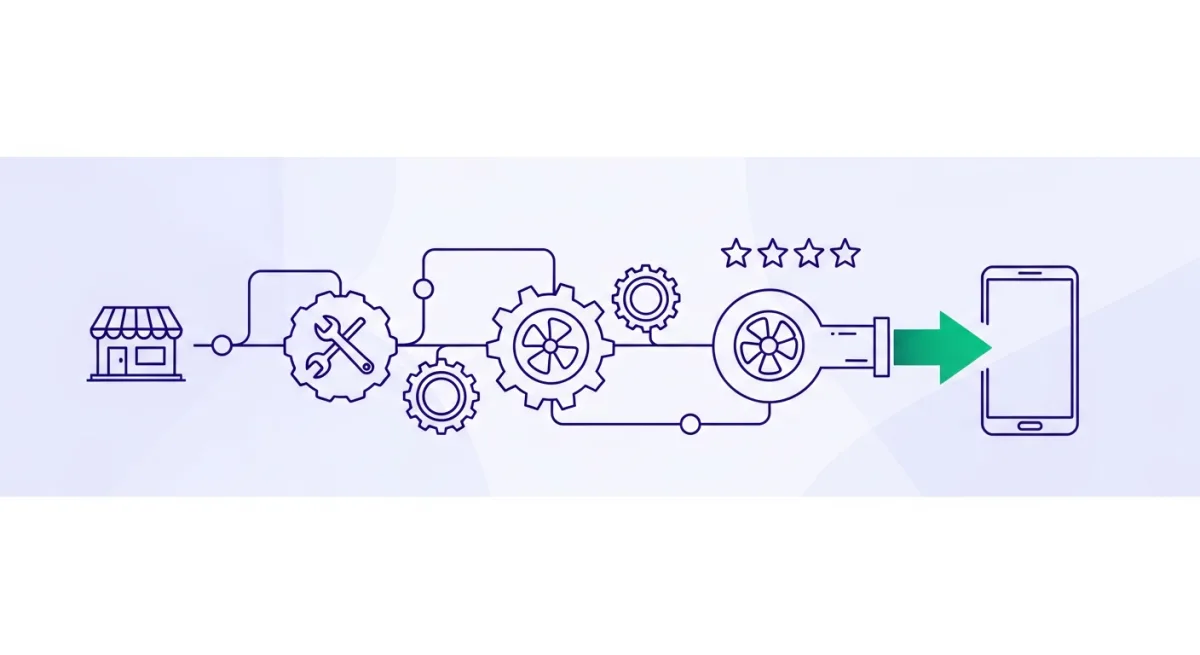
GoHighLevel Google review automation is a build you can run yourself. Inflowence offers done-for-you Google review automation, but if you don't mind trading time for money and only need a basic setup, this guide walks the workflow start to finish, then covers the one setting that decides whether the reviews you earn stay up or get pulled: your request pace.
Why Google reviews matter for a home-services shop
For a home-services shop, your Google Business Profile is the storefront. Most people who search "plumber near me" or "AC repair" never scroll past the top three on the map. Recent reviews are a big reason you land there. Trouble is, asking by hand stalls out. Your crew forgets, a busy week goes by with nobody asking, and your review count stalls while the shop down the road climbs past you.
An automation kills the "forgot to ask" problem: it asks every customer after every job, the same way every time. GoHighLevel can run that for you, if you’re willing to wire it up and keep an eye on it.
What you need before you start
- A GoHighLevel account (sub-account) with the Reputation feature and your Google Business Profile connected.
- Your field-service tool: Housecall Pro, ServiceTitan, or Jobber. This is what tells GHL a job is finished.
- Your direct Google review link (the short "write a review" URL for your profile).
- Customer phone numbers and emails flowing into GHL as contacts. No contacts, nothing to ask.
Build the workflow in GoHighLevel
- 1
Connect Google and Reputation
In Settings, connect your Google Business Profile, then open Reputation and drop in your review link. Every request points here.
- 2
Trigger off a completed job
You want the ask to fire when the job’s actually done, not when it’s booked. If Housecall Pro, ServiceTitan, or Jobber pushes a "job completed" status into GHL (directly or through Zapier), trigger off that. No integration? A pipeline stage like "Job Complete" or an "invoice paid" event works too.
- 3
Wait, then ask by text and email
Add a short delay (an hour or two after the tech leaves), then send the request by SMS and email. One sentence, review link front and center. Two channels beat one.
- 4
Add one reminder, then stop
No review after two or three days? Send one polite nudge. One. More than that reads as nagging, and it hurts you.
- 5
Ask everyone, never gate
Send the same request to every customer, happy or not. Don’t route the unhappy ones to a private form first. That’s review gating. It violates Google policy and the FTC review rule, and it’s exactly what gets profiles flagged.
- 6
Cap the send rate
This is the step most DIY builds skip. In your workflow settings, throttle how many requests go out per day, so you don’t dump your whole list into Google at once. Next section has the number.
How many review requests to send per week
Here’s the part that turns a good workflow into a safe one. Blast out hundreds of requests after months of quiet, and Google reads the spike as manipulation. It can pull the reviews you just earned, even the real ones. The fix is pacing. Google rewards a steady drip, not a flood.
What a trusted source says about pace
Ahrefs puts it plainly in their Google Maps SEO guide: "Consistency: 2 to 3 reviews per week beats 20 reviews in one week then nothing." Fresh, steady reviews signal ongoing customer satisfaction. A burst signals something to investigate.
A simple rule that keeps you safe: don’t request more than about three times your normal weekly pace, and hold that for six to ten weeks so it looks like real growth, not a one-week spike.
| Metric | This shop |
|---|---|
| What you earn now (organic) | About 5 per week |
| Safe ceiling to request | About 15 per week (3x) |
| Hold that pace for | 6 to 10 weeks |
| Risk of removal | Lower |
Pull your own numbers first: how many reviews did you earn last week, last month, last six months? Three times your normal weekly number sets your cap. Match the throttle in your GHL workflow to it, and resist the urge to "catch up" all at once. We go deeper on the why, the data, and how to win back reviews that already got pulled in how to get more Google reviews without getting them removed.
When to pay for done-for-you review automation instead
DIY in GoHighLevel saves money if you’ve got the time to wire the triggers, write the messages, set the pacing, and check the dashboard every week. If your week’s already full of calls and jobs, that upkeep is the part that slips. And a stalled automation is no better than none. That’s the trade: your time, or the cost of having it run for you.
If you’d rather skip the build, our done-for-you review automation plugs into the tool you already run, asks every customer after every job, and paces the requests so nothing gets flagged. Either way, the rules above are the ones that matter.
See where your shop stands. Free.
We ask every customer after every job, so new reviews land on your own Google. See where you stand vs the top shops near you.